



Songling Memos
Record and mark
Get the idea down before it's gone, and leave yourself a note where the good bit is.
One tap, and it's safe
- From anywhere. The app, the Lock Screen, Control Center, the Action Button, a widget, Siri or Apple Watch. Takes are written as you go, so a call or a flat battery never loses one.
- Pro Before you pressed record. Listening mode keeps the last half minute to two minutes of what you played.
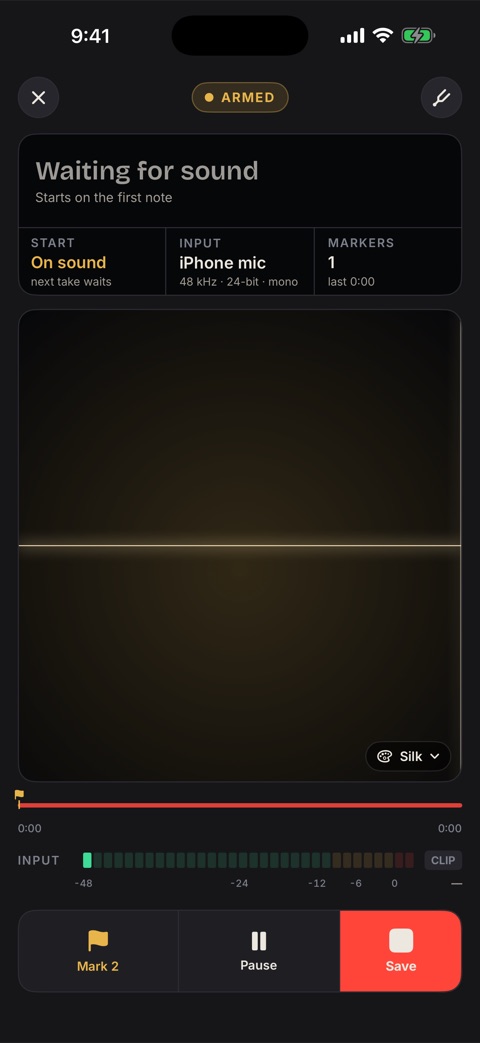
- In tune. A tuner that listens to the same mic, and Wait for sound to start the take on your first note.
Markers that go where your music goes
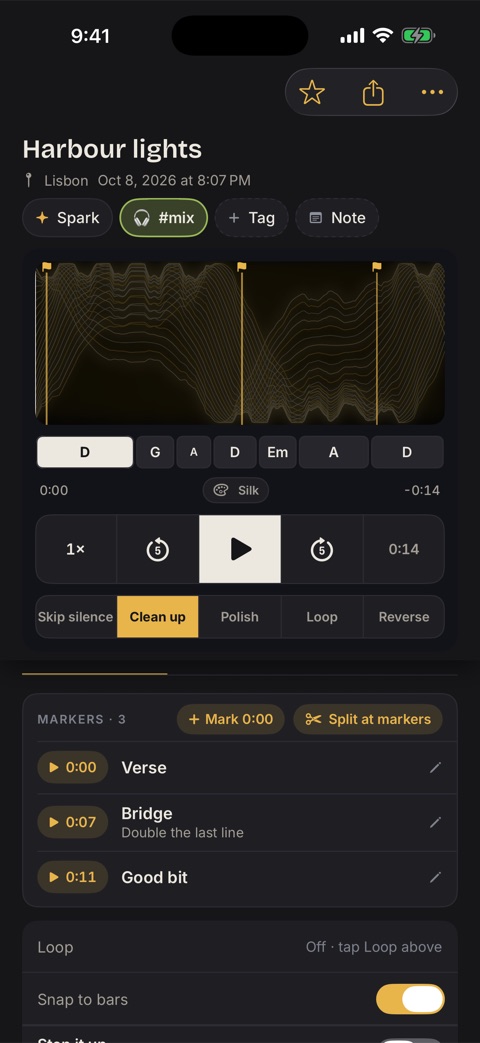
Most recorders give you a timestamp, if anything. Songling's markers have names and notes, and travel with the audio.
- While you playTap to mark, hold to name it: Verse, Chorus, Bridge, Good bit, Fix.
- AfterAdd one at the playhead, drag the flag, nudge it by a tenth of a second, rename it, add a note.
- Split at markersTurn one long jam into a take per section, each named for its marker.
- In the fileWAV carries them as cue points with names and notes, AIFF as markers.