



Songling · iPad and Mac
Write songs by feel, on your iPad or Mac.
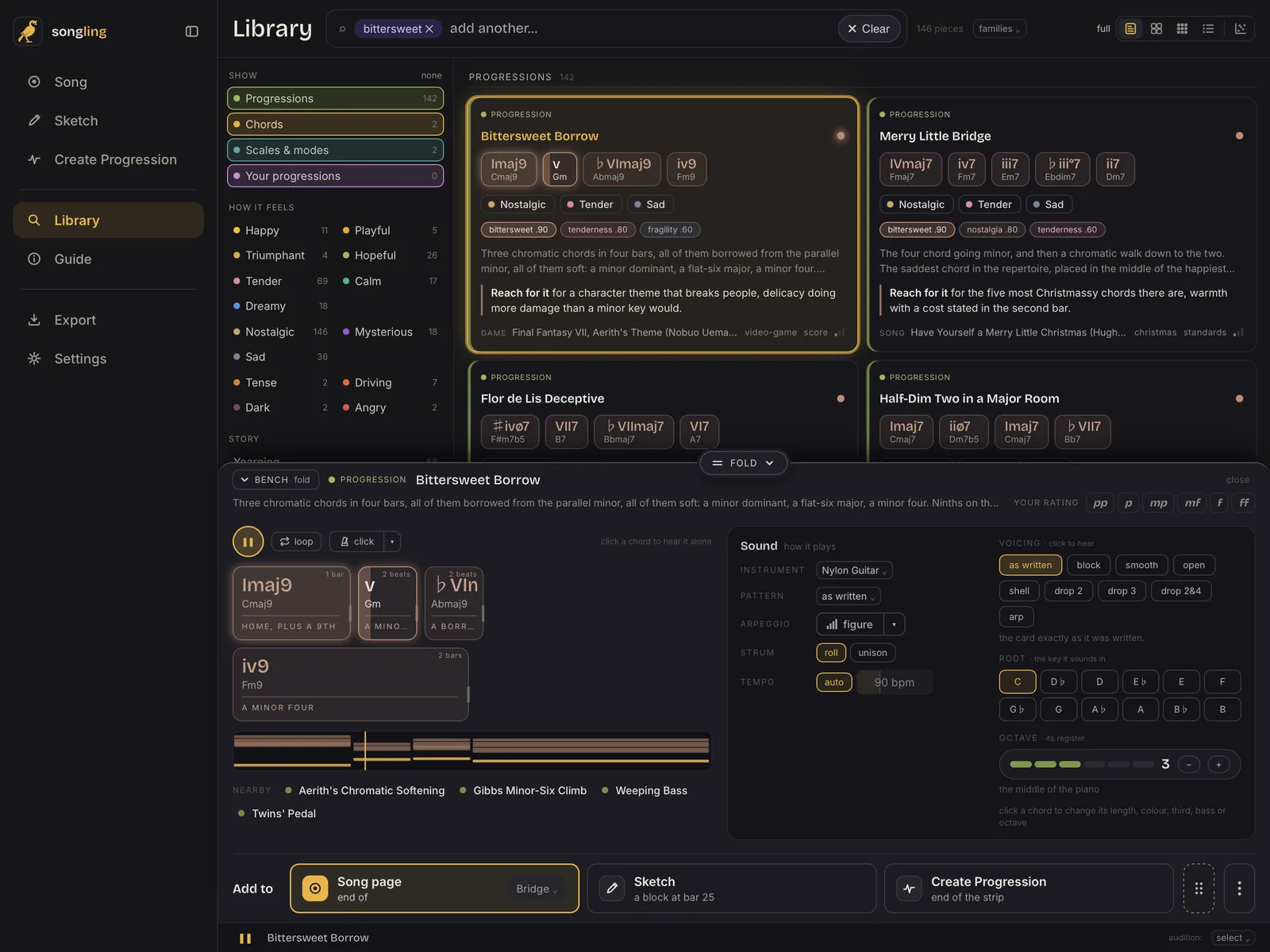
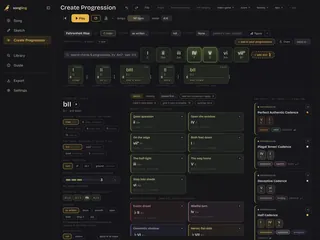
1,378 hand-checked chord progressions you can search by how they feel. Hear each one in your key, put it in your song with a tap, then write the melody and arrange it with your fingers.
iPad and Mac · one purchase for both · no subscription
On iPhone too: Songling Memos catches the idea, Songling Metronome keeps time, and Songling Stand holds the charts.
Explore Songling
Hear it
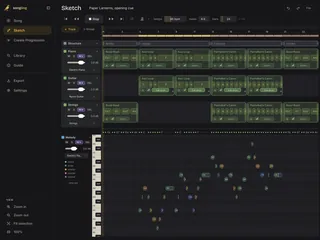
Songling plays your song on sampled instruments, with a feel engine that plays like a person: natural timing, dynamics and strums.
- 12 sampled instruments. Grand and upright pianos, nylon and steel-string guitars, concert and folk harps, vibraphone, strings and more.
- Two chiptune voices. Chip Square and Chip Triangle, new on iPad, for a game-music idea.
- Patterns and figures. From simple strums to fingerpicking and arpeggios, or your own.
Songling
Made for iPad and Mac
Made for touch, at home on a Mac
Drag chords with a finger on iPad, or with a mouse or trackpad on a Mac, with grips on every note.
An app of its own
On iPad and Mac, Songling isn't a DAW plug-in. Take your work to a DAW or a notation app as MIDI or MusicXML.
Files your way
Save songs, sketches and progressions as .songling files to Files, iCloud Drive or AirDrop.
A library checked by people
1,378 progressions, 134 chords and 74 scales and modes, every card hand-checked and sourced.
Bought once
One purchase on the App Store, for iPad and Mac. No subscription, no in-app purchases, no account.
Private
Nothing is sent anywhere: no tracking, no analytics. It works offline.
Bought once, no subscriptionsNo accounts, no trackingChecked by people